>_ my windows terminal
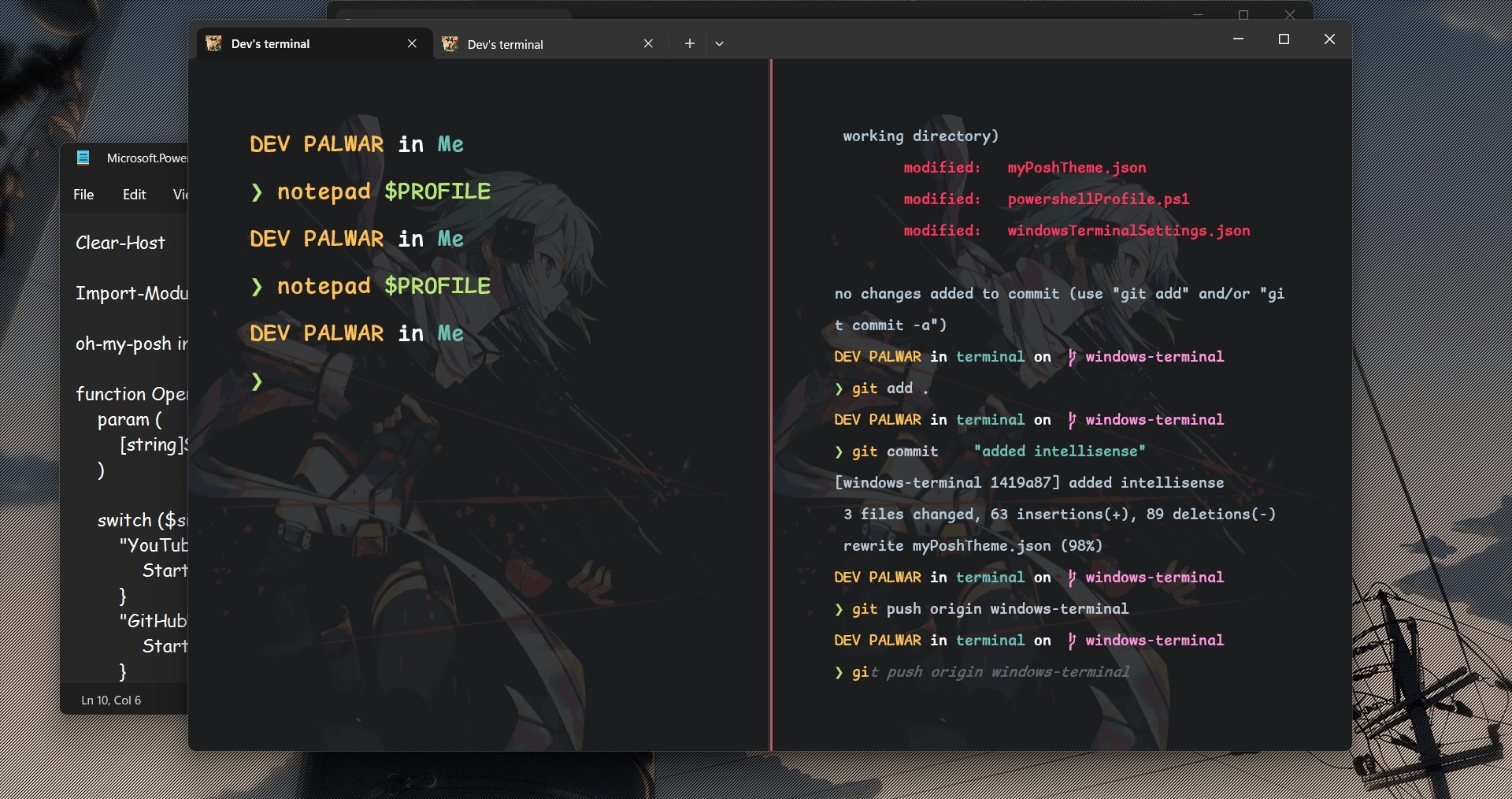 Windows Terminal Setup
Prerequisites
- Windows Terminal: Ensure you have Windows Terminal installed on your system.
- Download Repository:
- Download the repository and locate the
windowsTerminalSetting.jsonfile.
- Download the repository and locate the
- Open Windows Terminal Settings:
- Open Windows Terminal and press
Ctrl + Shift + , (comma)to access settings. - Replace the existing JSON configuration with the content of
windowsTerminalSetting.jsonfrom the repository.
- Open Windows Terminal and press
- Background Images and Fonts:
- Customize background images and fonts by navigating to
Defaults > Appearancein the settings.
- Customize background images and fonts by navigating to
Install oh-my-posh
In your terminal, execute these commands one by one
Set-ExecutionPolicy Bypass -Scope Process -Force
Invoke-Expression ((New-Object System.Net.WebClient).DownloadString('<https://ohmyposh.dev/install.ps1>'))
Create a new profile by running:
New-Item -Path $PROFILE -Type File -Force
Open the newly created profile in your preferred code editor:
notepad $PROFILE
inside this file you’ll find url to a dir like this-
D:\Me\posh-configs\themes\shell.json
replace this with the path where you have the **myPoshTheme.json**
Apply Themes
Get-PoshThemes
Ctrl + click on a theme to open its .json content. Copy and paste the content into your myPoshTheme.json file.
Additional Enhancements
Install Terminal-Icons Module
Install-Module -Name Terminal-Icons -Repository PSGallery
Install PSReadLine for Intellisense
Install-Module PSReadLine -AllowPrerelease -Force

Install-Module -Name PSReadLine -Force
Fonts :
If you don’t like the system fonts, you can go with with
- nerd fonts - https://www.nerdfonts.com/font-downloads
Navigate to the fonts location:
cd $Env:UserProfile\\AppData\\Local\\Microsoft\\Windows\\Fonts
- oh-my-posh fonts
oh-my-posh font install
After installation they’ll be available in the Default > appearance in the settings.
With this your terminal setup is now ready! Reload your terminal, and enjoy the enhanced and visually appealing environment. Customize further as per your preferences.